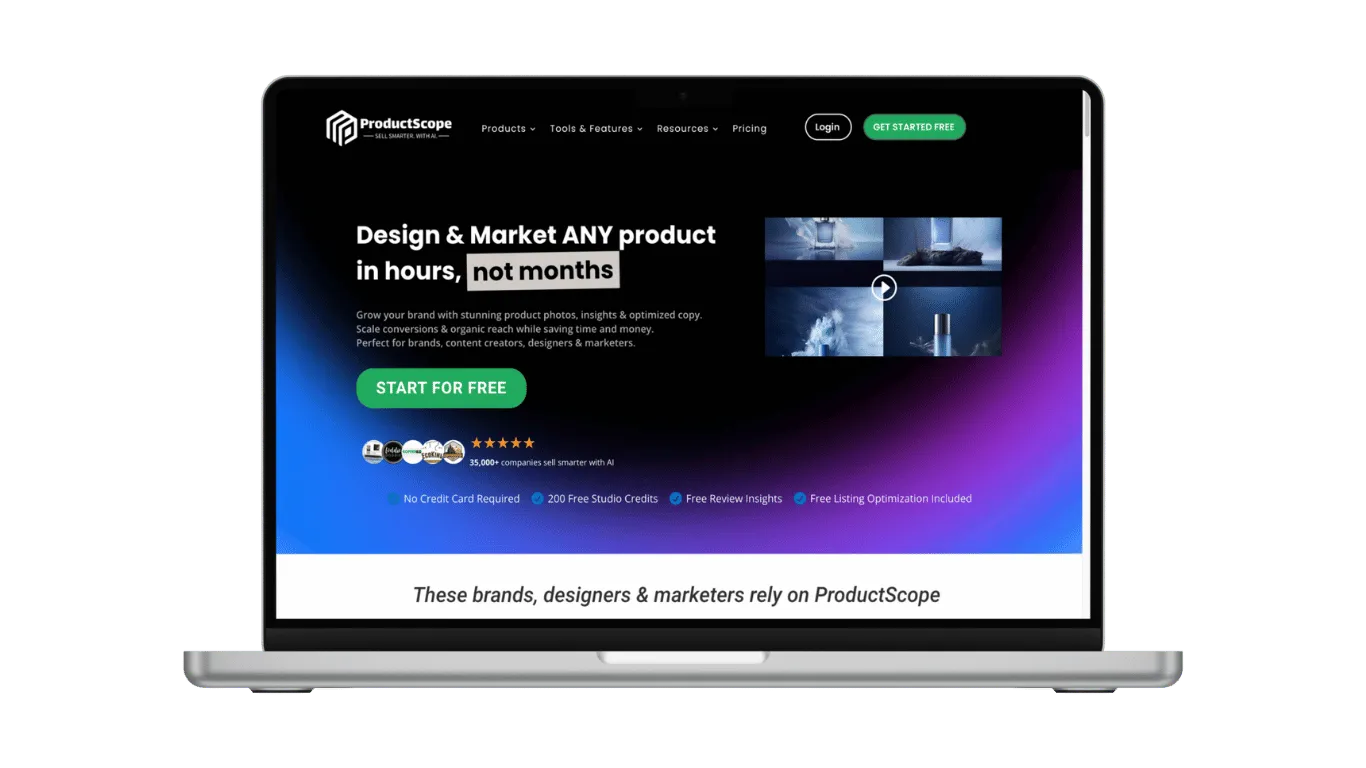
ProductScopeAI – UX/UI Enhancements
As a UX/UI Designer and Product Tester for ProductScopeAI, I had the opportunity to significantly improve the user experience by redesigning various interfaces. This project involved not only enhancing the visual appeal of the application but also optimizing its functionality for a more seamless and intuitive user experience.
Key Contributions
Interface Redesig
I redesigned key sections of the ProductScopeAI application, focusing on simplifying user interaction. By improving the navigation flow and ensuring consistency across pages, I made the platform more intuitive and user-friendly.
User Interaction Optimization
Leveraging my expertise in UX design, I introduced updates that enhanced the overall interaction experience. My goal was to create a more efficient journey for users, ensuring they could quickly and effortlessly achieve their goals within the app.
Page-by-Page Testing
I also conducted thorough testing of the application, examining each page to ensure all functionalities worked as intended. This process included identifying and resolving any usability issues that could hinder the user experience.
Comprehensive Documentation
To ensure consistency and ease of use, I documented testing procedures and results, creating detailed user guides that streamlined the learning process for new users and team members.
Here are some of the UX/UI enhancements I contributed to in the ProductScopeAI application.
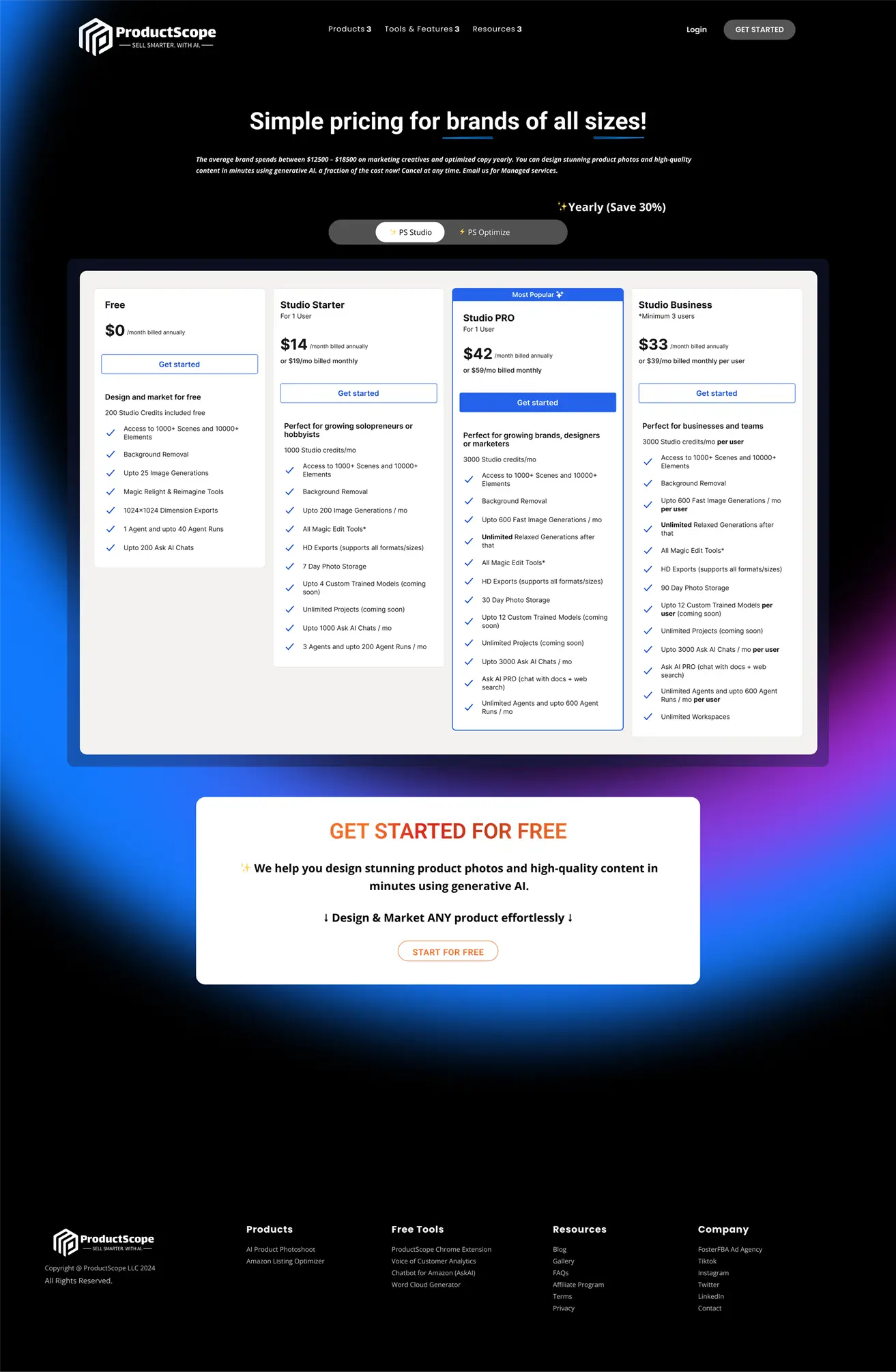
Pricing Page
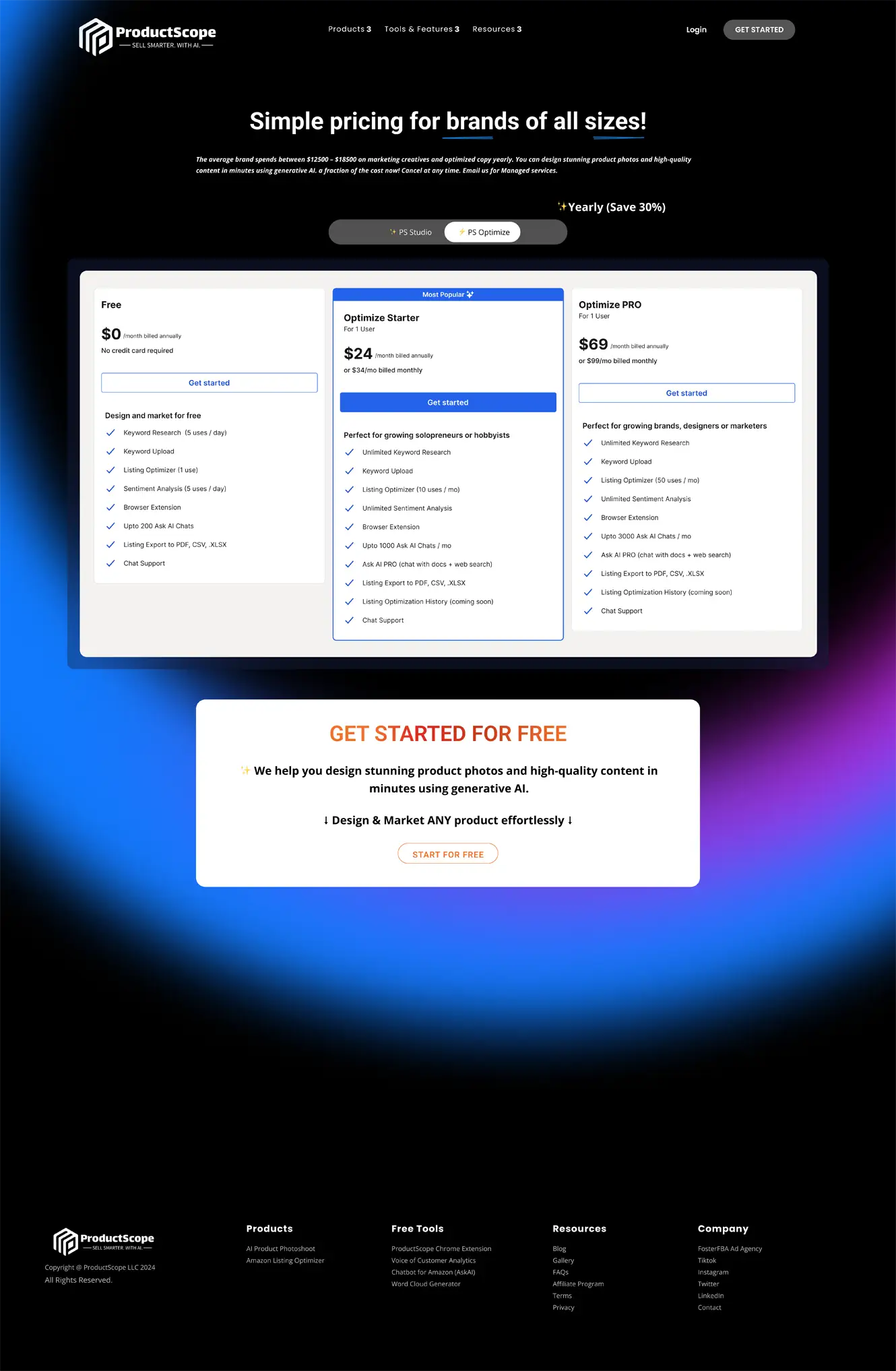
As the UX/UI and web designer for the ProductScope.ai pricing page, my primary focus was to create a user-friendly and visually appealing experience. I ensured the page’s layout was intuitive, providing users with clear and concise pricing options. The design emphasizes readability, with well-defined sections and a clean interface to avoid overwhelming the user. I also incorporated interactive elements to enhance user engagement and guide them through the decision-making process. Accessibility, consistency in brand identity, and responsiveness across devices were key considerations to ensure an optimal user experience.
Models Page
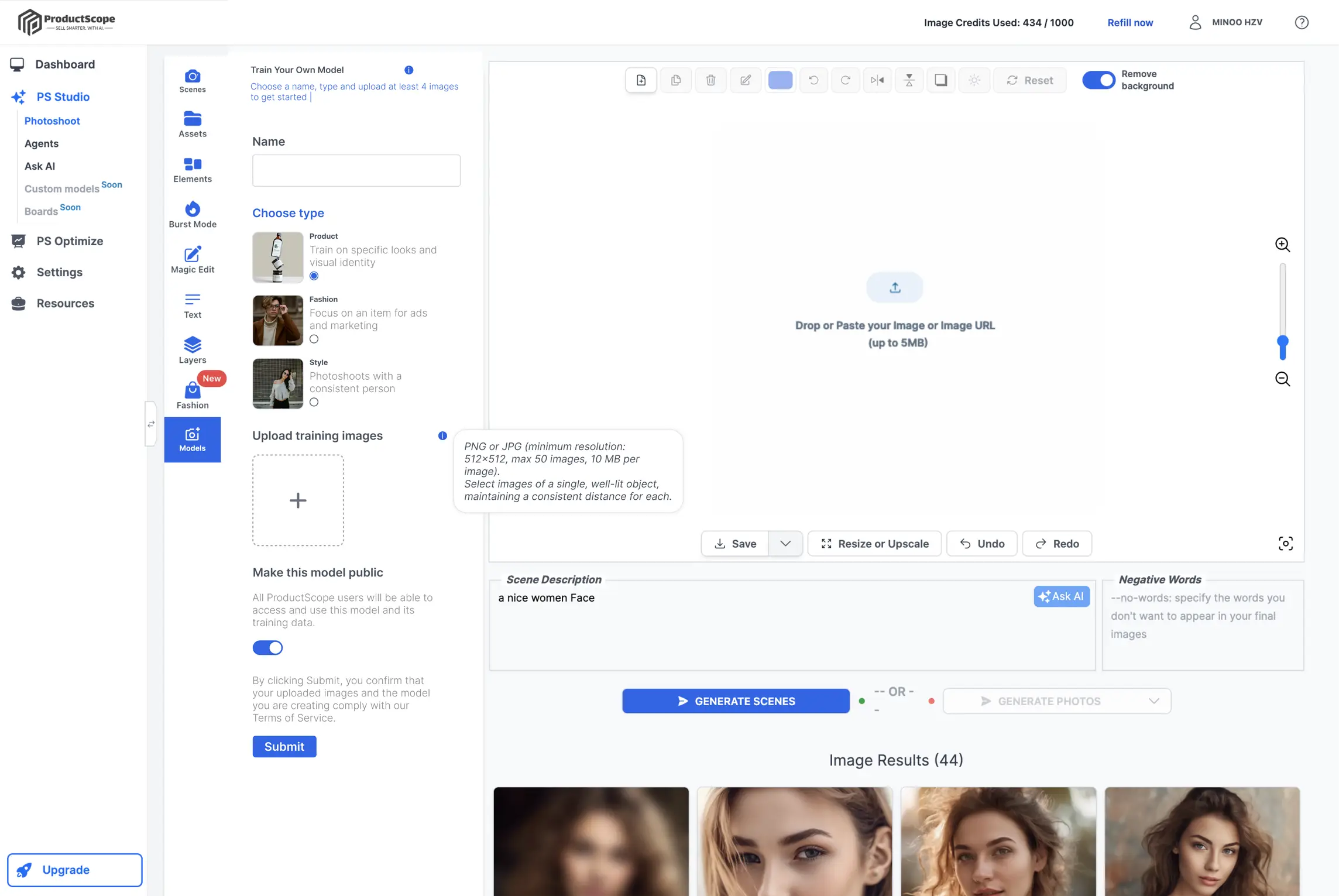
As a UX/UI and web designer, I crafted the model training page for ProductScope.ai with a focus on user-centered design and visual clarity. The layout is intuitive, guiding users step-by-step through the model creation process. I prioritized usability by clearly defining each section, such as “Choose Type” and “Upload Training Images,” to ensure users can efficiently navigate through the interface. Key functionalities like image uploading, background removal, and resizing are prominently placed for easy access, reducing friction in the workflow. Additionally, I incorporated responsive elements to provide a seamless experience across devices, ensuring that the design maintains its effectiveness regardless of screen size. The minimalist approach keeps users focused on their task while highlighting the essential features needed for model training.
Theme - Custom
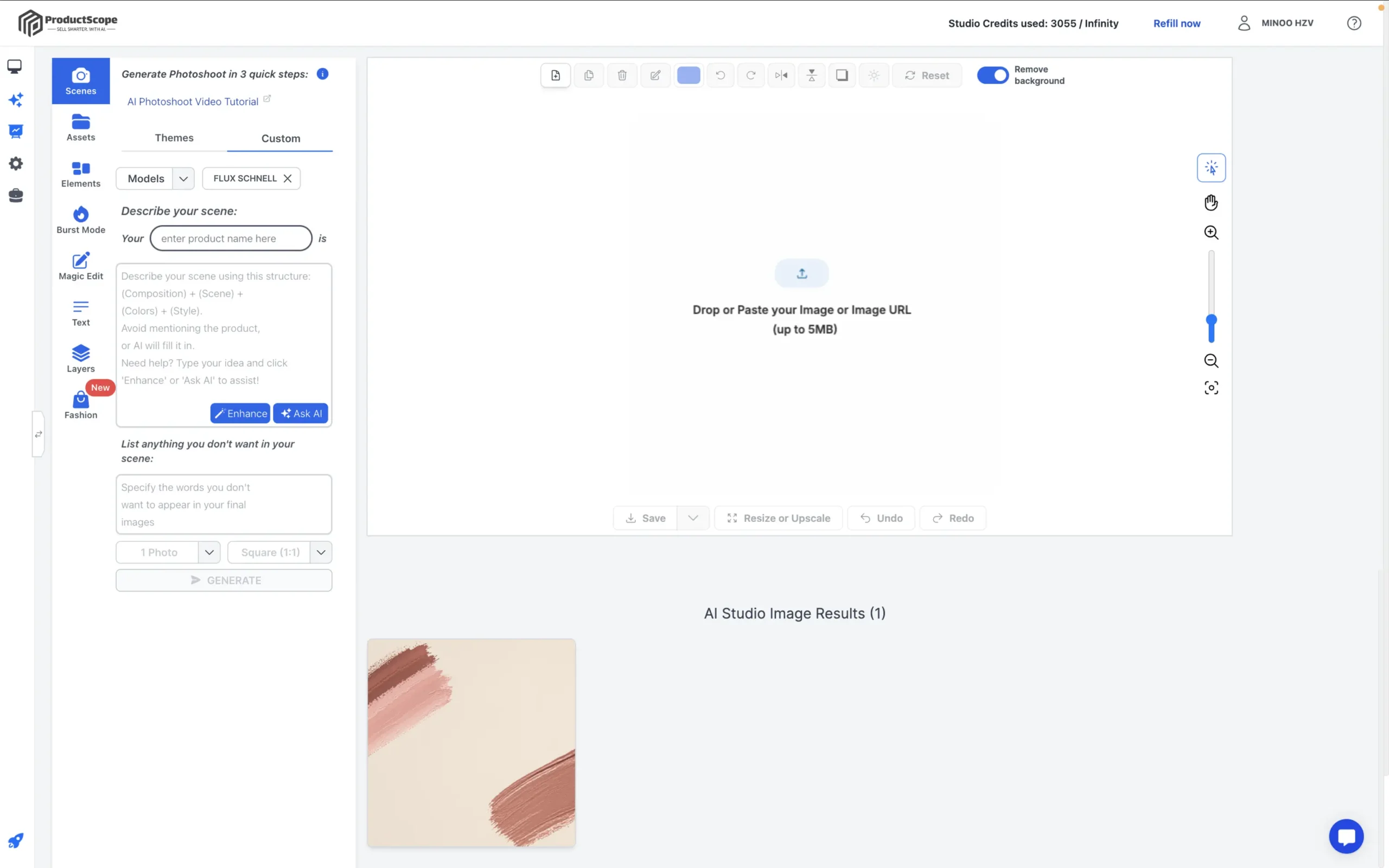
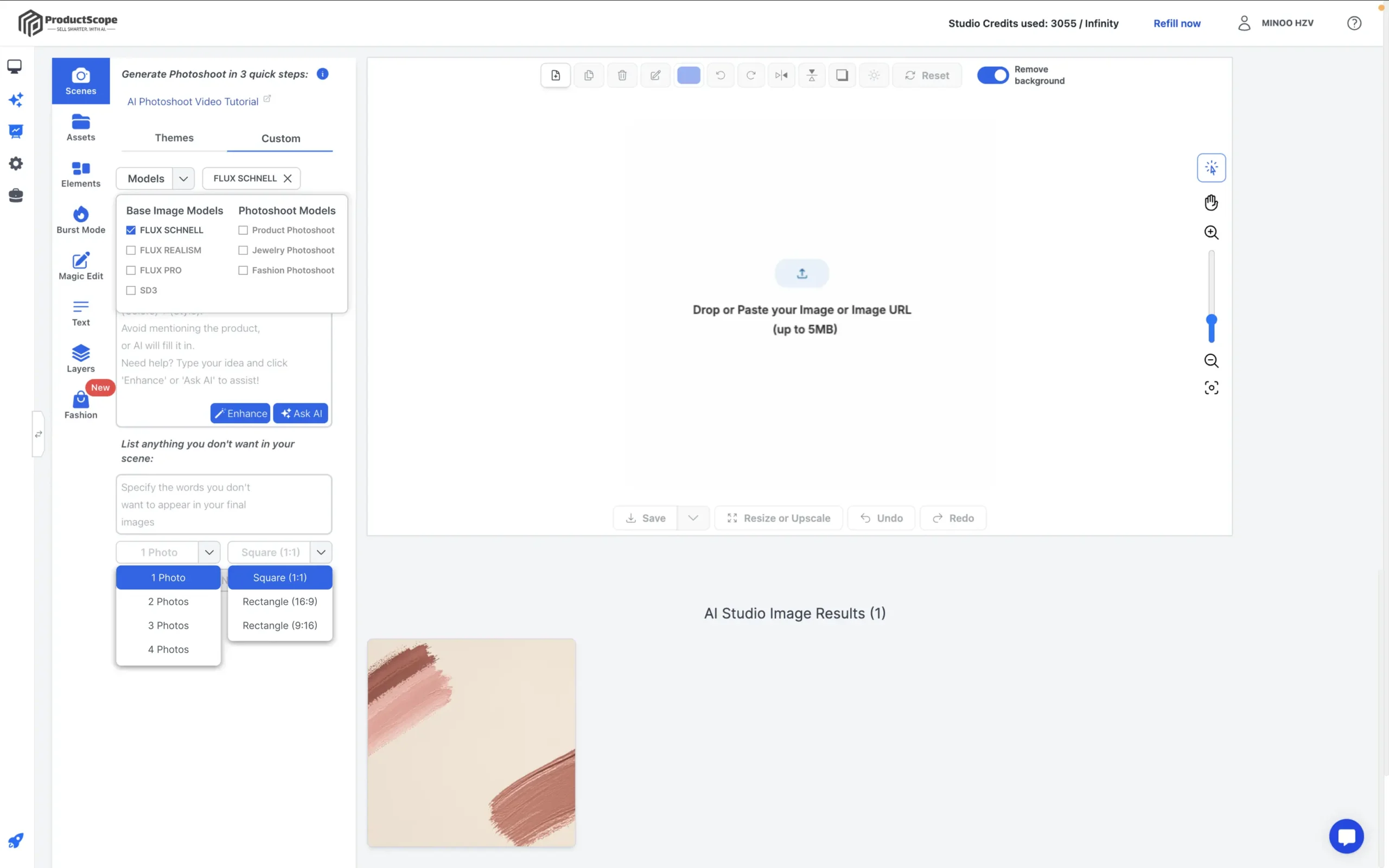
In redesigning the custom tab for the scene page on ProductScope.ai, I focused on enhancing functionality and user control through intuitive interface elements. I introduced a model dropdown feature that allows users to select different base models, making the process more streamlined and flexible. Additionally, I incorporated dropdown menus that enable users to specify the number of photos they wish to generate and select their preferred image size. This ensures that users have full control over their output, improving the overall experience. My design emphasizes ease of use, ensuring that even complex options remain accessible and clear, fostering a smoother, more efficient workflow for content generation.